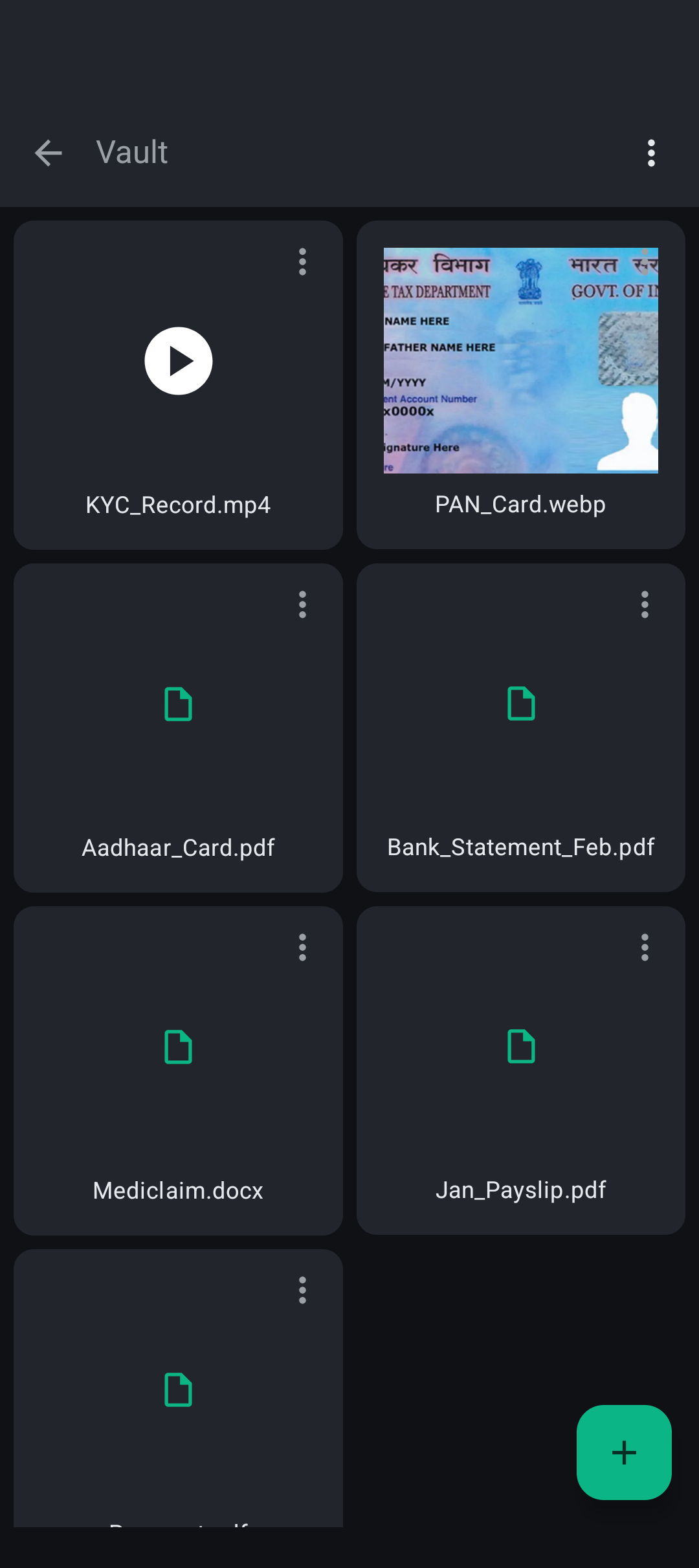
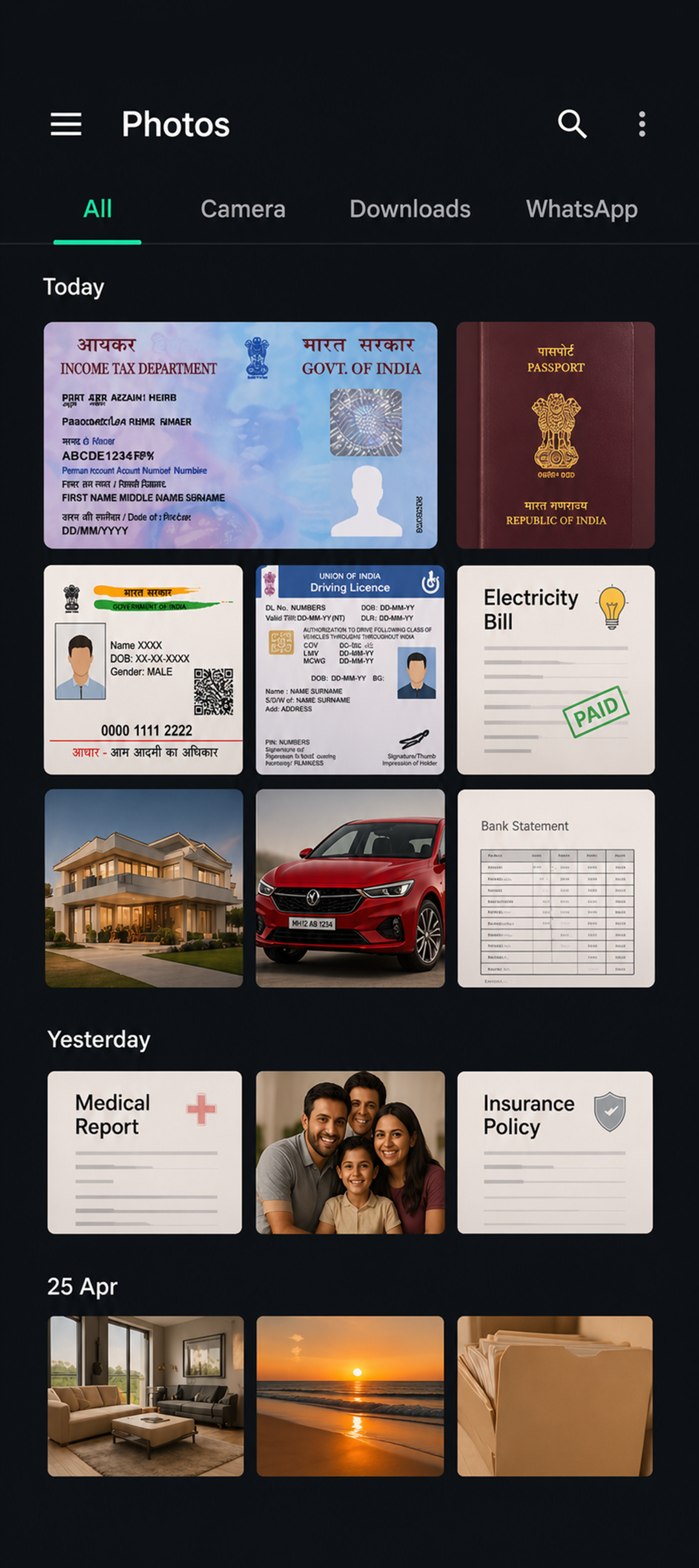
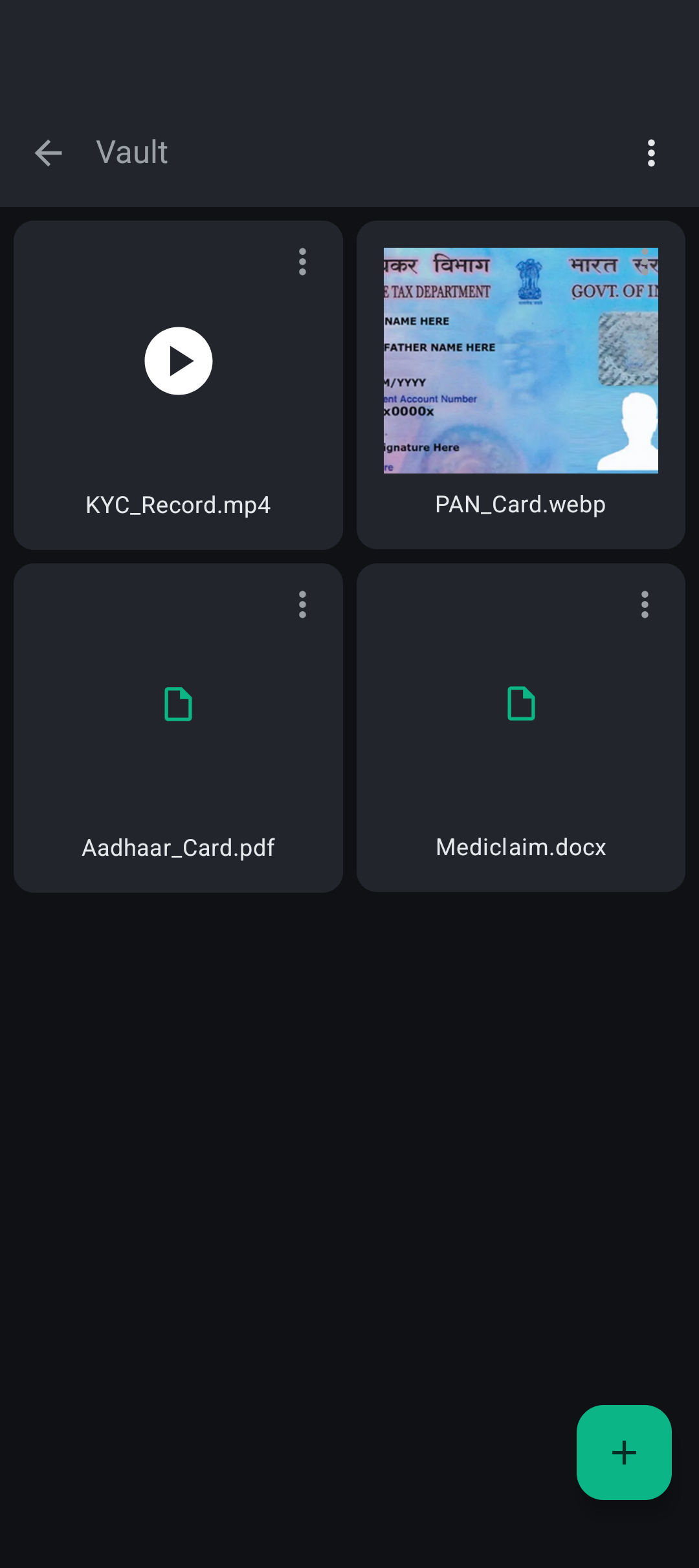
Lockify is a private, encrypted file vault for Android. Your files stay on your device — encrypted, organized, and always accessible. No fuss.
A full-featured vault that respects your privacy by design, not as an afterthought.
Files are encrypted before being written to storage — invisible to other apps and system file browsers, even with physical device access.
Create folders to keep files organized your way. Easy to navigate, rename, and rearrange — all within the secure vault.
Deleted files land in the bin first, auto-purged after 30 days. A simple safety net for accidental deletions.
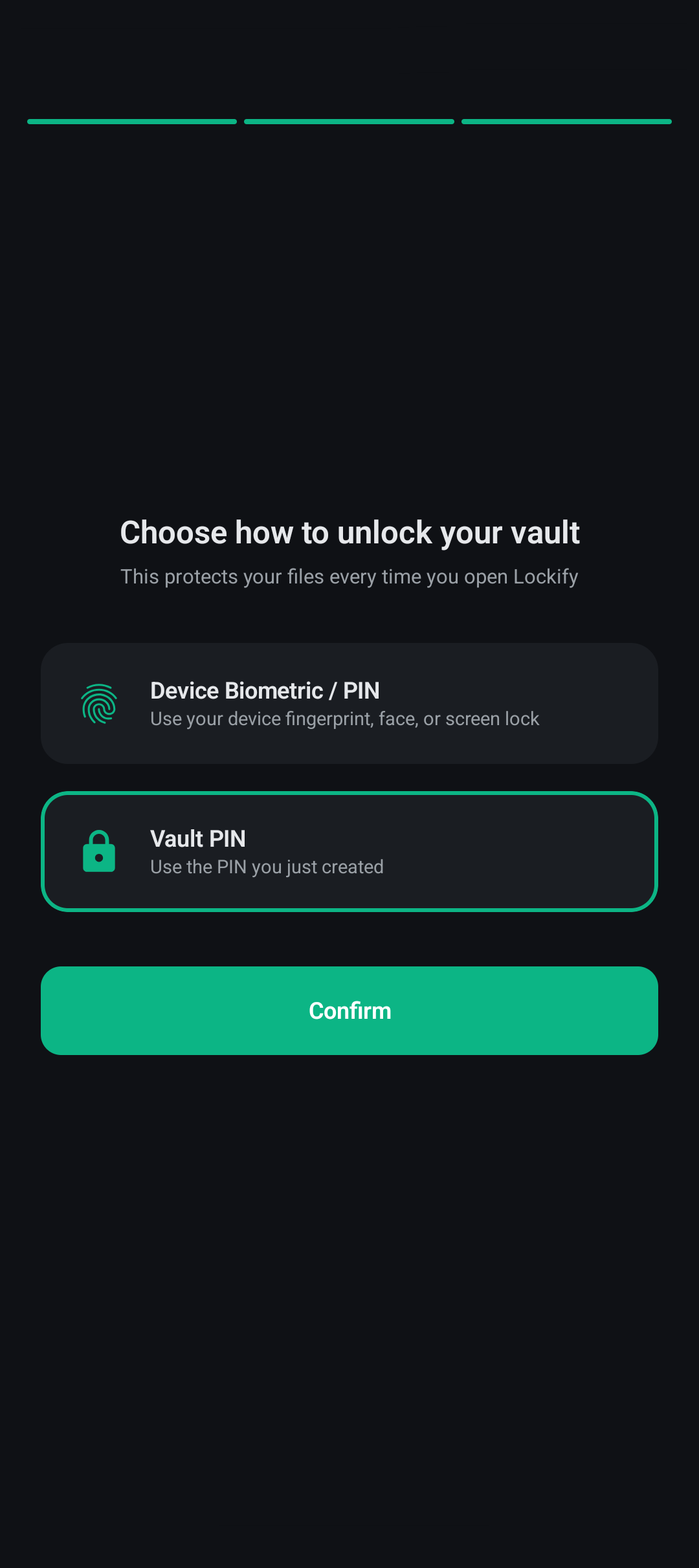
Unlock with fingerprint or face unlock. Android handles all biometrics — Lockify only receives a pass or fail result.
View images, videos, and PDFs directly inside the app. Temporary decrypted copies are cleaned up automatically after viewing.
No sign-up, no email required to use the vault. Set a PIN, use biometrics, done. Optional account features may be added in future versions.
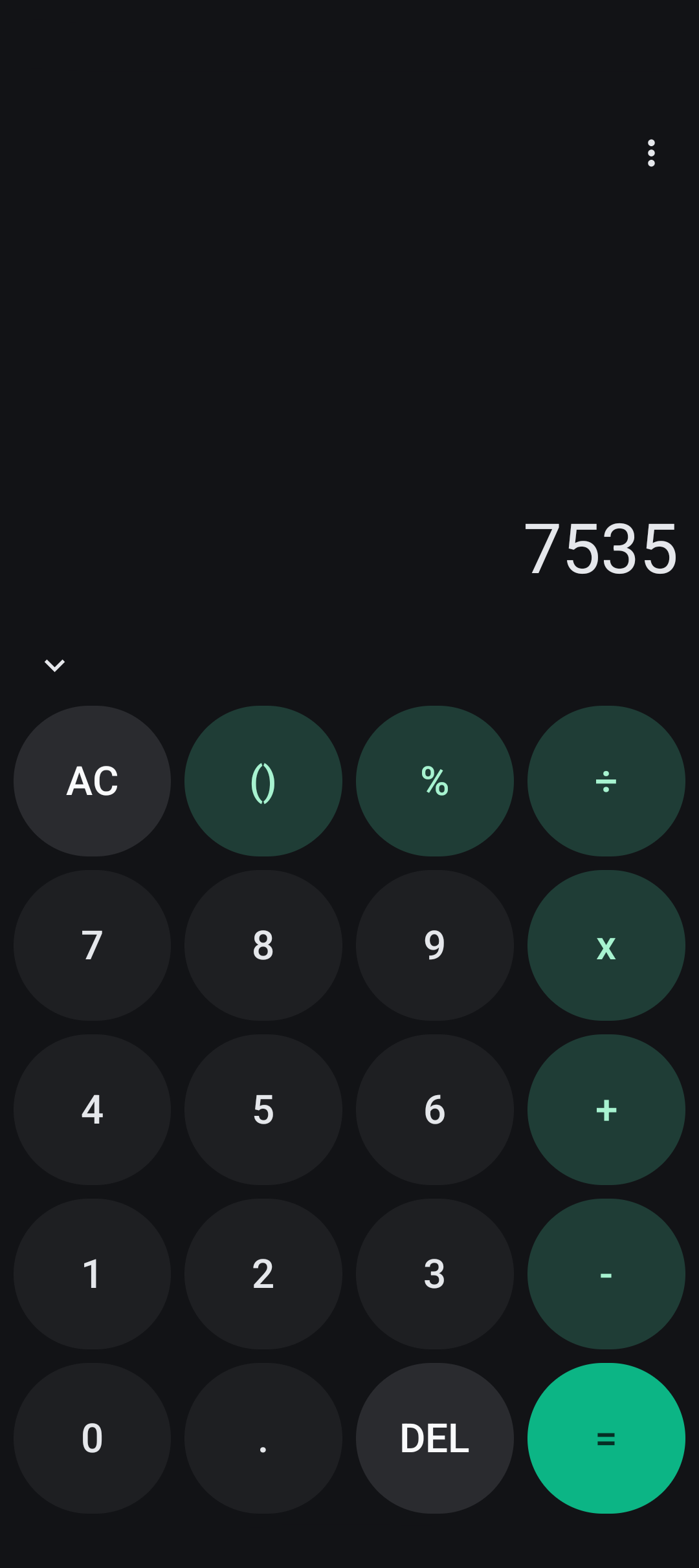
Enable Calculator Stealth Mode and Lockify completely disguises itself as a working calculator on your home screen. No vault icon. No app name. Nothing out of the ordinary.
Enter your secret PIN sequence on the calculator to unlock. To everyone else — it's just a calculator app.
Everything you'd want to know before trusting Lockify with your files.
Your biometric (fingerprint or face unlock) always works as a fallback to access the vault. If you've forgotten your calculator stealth PIN, there's a reset option accessible from the calculator screen.
Yes. Files are encrypted before being written to storage. Even with physical access to device storage, vault files appear as meaningless encrypted data without proper authentication.
Yes. Export any file or open it with another app directly from the vault. Lockify creates a temporary decrypted copy and cleans it up afterwards. Once opened in another app, that app controls the file.
Yes — all core vault functionality works without internet. No network connection is needed to encrypt, store, or view your files. The only optional network interaction is Google Play's in-app review prompt, handled entirely by Google Play.
When enabled, Lockify replaces its icon with a calculator icon. Opening the app shows a real, working calculator. Entering your secret PIN sequence triggers biometric authentication and opens your vault. To anyone else, it's just a calculator.
Any file you can import from your device — images, videos, PDFs, documents, and more. In-app viewing is supported for images, videos, and PDFs. Other types can be exported and opened with compatible apps.
Free to download. No account required to get started.
Download on Play Store